The wedding videography workflow, from inquiry to archive
Every wedding you book runs the same lifecycle. Write the workflow down once - seven phases, each with its own checklist - and stop re-deciding it under deadline every weekend of the season.
Last updated: August 19, 2026
Why a workflow, not a to-do list
A wedding videography business rarely fails on the wedding day. It fails in the gaps between weddings: the inquiry answered three days late, the planning call that never got scheduled, the cards formatted before the offsite copy existed, the delivery date that was never actually written down. Each of those is a decision you made correctly once - and then had to make again, from memory, in August, with four weddings in the edit queue.
A workflow is that set of decisions made once and reused. The wedding date is the one deadline in your business that cannot move, so every phase below is anchored to it: some phases count down to the day, the rest count up from it. Here is the full lifecycle, then a checklist for each phase.
| Phase | When | What it protects |
|---|---|---|
| 1. Inquiry + booking | First contact to signed contract | The date, the scope, and the raw-footage question |
| 2. Pre-production | Six weeks out to the day before | The timeline, the audio plan, the gear |
| 3. Wedding day | The day | Coverage, audio, cards |
| 4. Ingest + backup | That night and the day after | The footage itself |
| 5. Edit | The following weeks | The films |
| 6. Delivery | Per the contract | The couple's experience and your referrals |
| 7. Archive | After delivery | Your drives and your liability |
Phase 1: Inquiry and booking
The booking phase decides two things that haunt every later phase: the scope (which films, how many hours, raw footage or not) and the expectations (when they hear from you, when they get the films). Vague answers here become disputes at delivery, so the checklist is mostly about writing things down before money changes hands.
- Answer inquiries with substance, fast. Availability for their date plus a starting price or a call link - not "let me check and get back to you." Couples commonly inquire with several videographers at once, and the first useful reply frames the conversation.
- Run a short discovery call. Date, venue(s), guest count, hours of coverage, and - most important - which films they actually want. A couple picturing a full documentary edit and a videographer quoting a highlight film are agreeing to different products.
- Quote named deliverables. "Highlight film, 4-6 minutes, plus full ceremony edit, delivered within X weeks" - names, lengths, and a delivery window, in writing.
- Put the video-specific clauses in the contract. Raw footage policy, music licensing scope (where the films may be posted), drone coverage as conditional on weather, airspace, and venue policy, overtime terms, and the delivery timeline. These are the five things couples ask about after the fact.
- Retainer holds the date. The date is blocked when the retainer clears and the contract is signed - not when someone says "we'd love to book you."
- Send a booking confirmation that explains what happens next. "You'll hear from me six weeks before the wedding to plan the day" turns months of normal silence into part of the plan instead of a worry.
Phase 2: Pre-production
Pre-production is where video diverges hardest from photo. A photographer can walk into a decent timeline and improvise; you are running cameras that can't dodge, audio that has to be rigged before the moment, and a sunset that doesn't negotiate. The planning call, commonly four to six weeks out, is the anchor.
- Hold the planning call. Walk the final timeline block by block. Ask for the must-have moments, the family situations you should know about, and the full speech list - every speaker on that list is an audio decision you now get to make in advance.
- Build the run sheet. Your own version, with the blocks that only exist for video: the ceremony rig window, mic-up slots, offload points, battery cycles. This is its own discipline and its own document.
- Write the audio plan. Who wears a lav (groom and officiant at minimum), whether toasts come from a DJ board feed or a mic on the speaker, where the backup recorder lives, and who is recording the letter readings. The DJ needs to hear about the board feed this week, not on the day.
- Assemble the vendor contact sheet. Planner, venue coordinator, DJ or band, photographer - names and cell numbers on one page. On the day you will not have time to search email threads.
- Recon the venue on paper. Sunset time for the date, ceremony orientation against the light, power access for static cams, and the venue's drone policy in writing.
- Agree the split with the photographer. One master timeline, and clarity on who leads which block - formals are photo-led, the couple session needs a window where video directs real movement.
- Prep gear against a written list. The day before: every battery charged, every card formatted in camera, dual-slot recording confirmed on every body, timecode or sync method agreed across cameras, lenses and sensors cleaned. Pack from the list, never from memory - the list doesn't get tired on a Friday night.
Phase 3: The wedding day
The day itself deserves more than a section, so we wrote it up separately: the wedding day run sheet for videographers covers the full 8-hour day block by block, including the ceremony rig, audio redundancy, and a free template. From the workflow's point of view, the day has exactly three rules: arrive at your rig time, not the ceremony time; the run sheet was finished in pre-production, so the day is execution, not invention; and the day is not over when the send-off ends - it's over when two copies of every card exist.
Phase 4: Ingest and backup
Everything before this phase can be redone with an apology. This phase can't. The standard is 3-2-1: three copies of the footage, on two different types of media, one of them offsite. The checklist turns that slogan into a procedure.
- Offload with verification. Use a copy utility that verifies checksums on write (tools like Hedge or ShotPut Pro exist for exactly this), not a Finder drag-and-drop. A copy you didn't verify is a copy you're hoping about.
- One folder convention, forever. Something like
2026-09-12_Surname/cam-a,/cam-b,/audio- date first so drives sort chronologically. The convention matters less than never changing it. - Complete all three copies before anything else. Working drive, second local drive, and the offsite copy - cloud upload or a drive that physically lives somewhere else. Start the cloud upload the same night; big weddings take time to push.
- Cards are not formatted until 3-2-1 is satisfied. Not "copied", satisfied - three verified copies, one offsite. Owning enough cards to leave the last wedding intact until then is cheaper than the alternative.
- Record where the copies live. A line in the wedding's record - which drives, which cloud path - so future-you can find the offsite copy without archaeology.
Phase 5: The edit pipeline
Editing a wedding is four distinct jobs. Doing them as separate passes, in order, is what keeps a hundred hours of footage from becoming a swamp - the classic failure is grading shot three while the story is still unwritten.
Culling and logging
Sync multicam angles and external audio first. Then one full review pass, marking selects and flagging the hero moments: the vow lines, the toast lines, the reactions that will carry the film. Build a selects timeline. The audio comes first because a highlight film is written from speech - vows, letters, toasts form the spine, and pictures get laid against it.
Assembly cut
Structure before polish. Lock the story with rough audio and no color - if the film doesn't work as an assembly, no grade will save it, and every polished shot you cut later is time spent twice. Get the arc watchable end to end, then move on.
Color
Two separate steps: shot-match first, grade second. A wedding day hands you mixed lighting across multiple cameras - matching them into one consistent baseline is the unglamorous half that makes the grade look intentional. Judge skin tones on a display you trust, not a laptop panel at half brightness.
Sound mix
Level dialogue consistently across the film, duck music under speech, and use room tone to smooth the joins - silence between vow lines reads as an error, room tone reads as air. Finish with a loudness pass appropriate to where the film will live.
Export and QC
- Watch the full export start to finish on a normal screen with normal speakers.
- Check every name on every title card against the contract spelling.
- Confirm audio sync at the end of the film, not just the start.
- Check the first and last frames - black holds, no flash frames, clean fades.
- Export the delivery masters and file them in the wedding's folder before sending anything.
Phase 6: Delivery
Delivery is where the contract you wrote in phase one pays for itself. The films are named, the lengths are agreed, the window is in writing - so delivery is a handoff, not a negotiation.
- Deliver what was named. The highlight film and the feature or ceremony edit are different products with different lengths; deliver each under the name the contract uses, so nothing arrives as a surprise in either direction.
- Send a mid-edit check-in. One short message halfway through the window - "your film is in the edit, on track for the date we agreed" - costs a minute and prevents the where-is-our-video email that sours a delivery.
- Hold the raw footage line you wrote at booking. Whatever your policy - not included, paid add-on, or included ungraded and as-shot - the delivery email is the wrong place to invent a new one.
- Deliver a streaming link plus downloads. Clearly named files, and a short note saying what each file is and how to save a copy of their own. Couples lose links; a note that says "download these somewhere safe" is part of the product.
- Ask for the review after the reaction. Let them watch and reply first. The message where they tell you they cried is the moment to ask for the review and the referral - not the delivery email itself.
Phase 7: Archive
The workflow isn't finished at delivery, because the couple can come back - a lost drive, an anniversary re-edit, a request for the toast their late grandfather gave. Archiving is deciding, once, what you keep, where, and for how long.
- Keep the masters, the project file, and the selects indefinitely. They are small next to the raw footage and answer almost every future request.
- Give raw footage a stated retention window. Put it in the contract - a defined period after delivery, after which raw is purged or offered to the couple on a drive. An archive policy without an end date is a promise to keep everything forever.
- Move, don't copy, to archive media. Off the working SSDs and onto whatever your archive tier is - large spinning drives, LTO, or deep cloud storage - so working space is actually reclaimed.
- Verify before you wipe. Spot-check that archived files open and play before the working copies go away.
- Put the purge date on the calendar. The retention window only exists if something reminds you when it ends.
Making it repeatable
Read back through the phases and notice that almost every task is relative to the wedding date: the planning call at six weeks out, gear prep the day before, backup the night of, the check-in halfway through the delivery window, the purge date after retention ends. That means the whole workflow can be written once as a template and stamped onto every wedding you book - each new date instantiates the same tasks at the right offsets. Whether you run that in a spreadsheet, a task manager, or purpose-built software matters less than that it exists somewhere outside your head, because the season is precisely the time when your head is full.
Common questions
Should I give couples the raw footage?
Decide your policy before anyone asks, and put it in the contract at booking. The three common positions: raw is not included because the edit is the product; raw is available as a paid add-on delivered on a drive the couple supplies; or raw is included with an explicit caveat that it is ungraded, as shot, and unsupported. Any of the three works. What doesn't work is improvising the answer in the delivery email, because by then the couple has already formed an expectation.
What does the 3-2-1 rule mean for wedding video?
Three copies of the footage, on two different types of media, with one copy stored offsite - for example the working edit drive, a second local drive, and a cloud or off-premises copy. The discipline that makes it real: cards are never formatted until all three copies exist and the offload was verified with checksums, not a drag-and-drop you assume worked.
What's the difference between a highlight film and a feature film?
A highlight film is a short story-driven cut, commonly a few minutes long, built on an audio spine of vows, letters, and toasts with pictures laid to it. A feature or documentary edit is a longer, mostly chronological cut that includes the full ceremony and full speeches. Define both by name and approximate length in the contract, so 'the film' never means two different things to you and the couple.
How long should wedding video delivery take?
Exactly as long as the contract says - that is the workflow answer. Turnarounds of several weeks to a few months are common in peak season, and the number matters less than three habits: state the window in writing at booking, send a short mid-edit check-in so silence never reads as a problem, and deliver early rather than negotiate late.
When should the pre-wedding planning call happen?
Commonly four to six weeks before the wedding - late enough that the timeline, vendors, and speech list are real, early enough that problems are still fixable. A ceremony that turns out to be backlit at 2 pm, a DJ who can't give you a board feed, or a venue that bans drones are all cheap discoveries at week five and expensive ones on the morning of. Leave the call with a run sheet, an audio plan, and a list of who speaks.
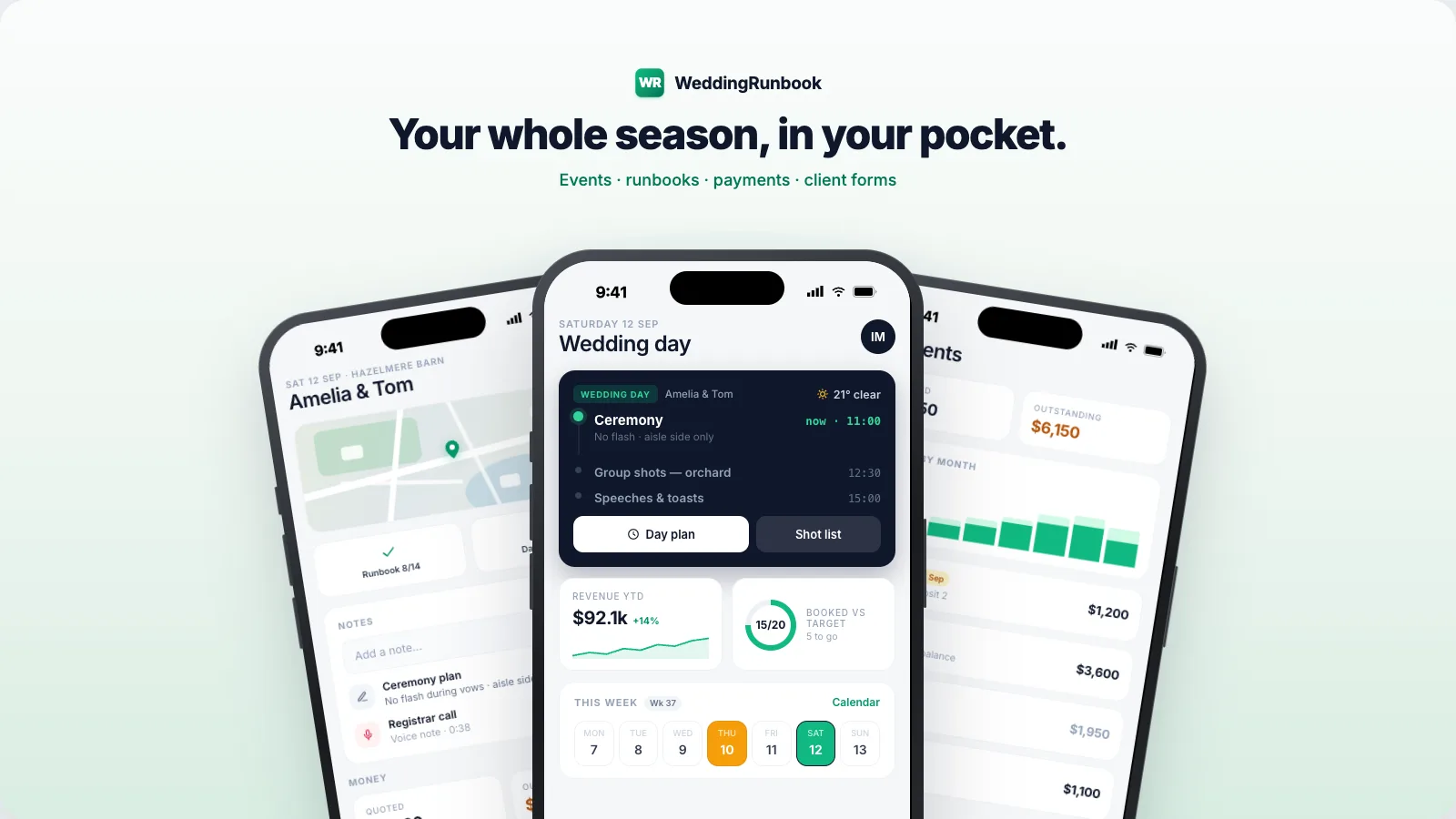
This workflow is a template. WeddingRunbook stamps it onto every date.
WeddingRunbook is calendar-first software for wedding photographers and videographers - weddings first, any dated event. Technically it's a CRM, but it's built around the event rather than the sale: every booking gets its lifecycle of tasks anchored to the date. Free for 14 days, then $9 a month or $90 a year - one plan, everything included. The client portal - galleries, chat, e-signed contracts, quotes, invoices, questionnaires - is live, with 20 GB of galleries included, and the iOS app is in beta.
Start your season14-day free trial - no card required.