
The wedding timeline questionnaire
One request and four questions that hand you the day's skeleton. The ceremony time, the first look, golden hour and every place you need to be.
- No email needed
- 14-day free trial
- No card required
Updated November 19, 2026 · WeddingRunbook templates
Timeline & Logistics
Gather day-of schedule and location transitions.
Are you doing a first look?
Pick one- Yes
- No
- Not sure
Ceremony start time Required
Short answerGolden hour portraits important?
Pick one- Yes
- No
- If timeline allows
List key locations for the day
Paragraph
Copied or downloaded, it is plain text: a * marks each required question.
What each answer does for your day.
A note opens it, asking for the couple's own timeline, draft or not; in a form tool, add a paragraph field under it to get the draft back in the form. The four questions after it fill the gaps a first draft nearly always leaves.
Are you doing a first look? Day structure
Yes, no or not sure. The answer moves the couple portraits and decides how crowded the hour after the ceremony gets. If they are not sure, send them our first look guide.
Ceremony start time Run sheet
The one time nothing moves around. It is required because every other block on your run sheet is counted from it.
Golden hour portraits important? Golden hour slot
Yes, no or if the timeline allows. A yes means planning a short exit from dinner near sunset, and telling the planner now instead of on the night.
List key locations for the day Travel buffers
Each address is a drive, a parking question and a buffer on the plan. The full list also shows early when a day has more moves than its hours allow.
Send it ahead of your final meeting.
A month to six weeks before the day is right: the plans are real by then, and you walk in holding the couple's answers, so the meeting goes on decisions, not on questions.
How to time all six, with or without software- 1At booking Wedding essentials
- 2First weeks after booking Photo style and preferences
- 32-3 weeks before the session Engagement session
- 44-6 weeks before the wedding Timeline and logisticsThis one
- 54-6 weeks before the wedding Family and group photos
- 6First week after the wedding Delivery and album preferences
Paste it into the form tool you already use.
Any form builder will take it, from Google Forms to Jotform or Typeform, or a plain shared document. The table gives each question the field to pick in Google Forms; other tools name them much the same.
| Question | Google Forms field | |
|---|---|---|
| Timeline Guidance (a note) | Title and description | |
| Are you doing a first look? | Multiple choice | |
| Ceremony start time | Short answer Required | Yes |
| Golden hour portraits important? | Multiple choice | |
| List key locations for the day | Paragraph |
- 1
Copy the questionnaire with the button at its top, or download it as a text file.
- 2
Add one question per line in your form tool, with the field the table names.
- 3
Mark the required ones, so the form cannot be sent back without them.
- 4
Send it at its moment, then save the replies beside the rest of that couple's plans.
Ask it once. Find it answered on the wedding.
WeddingRunbook already holds all six, word for word. The couple answers on their private portal link, and every reply waits on the wedding when you sit down to plan.
- Six questionnaires in every account, ready to ask
- The couple fills them in on their private link
- You get an email as each one comes back
- Open the replies on your phone (iOS app, beta)

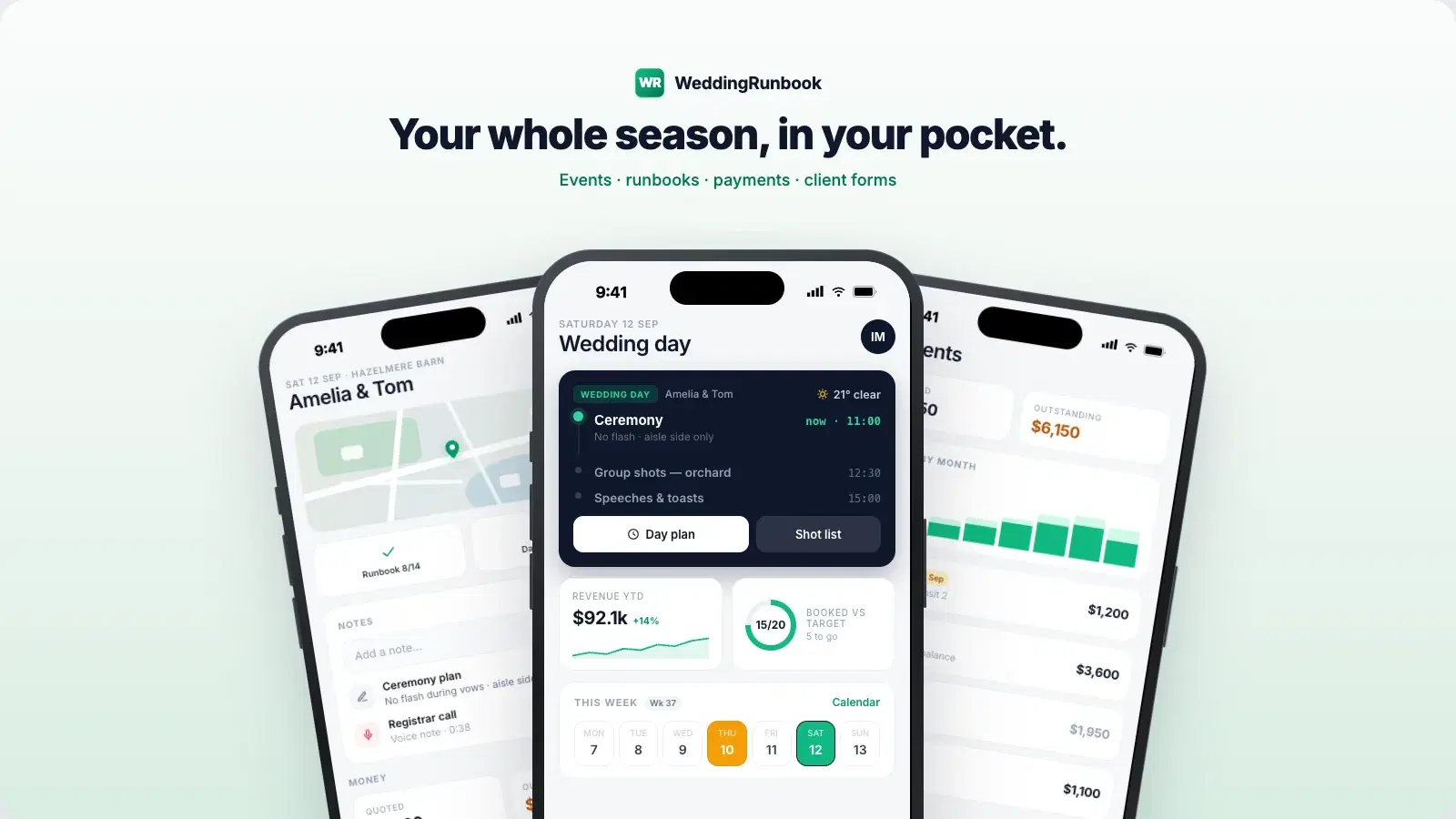
The timeline for our second shooter used to go out the night before, if one of us remembered. Now it goes out two weeks ahead on its own. Three of us, one runbook, the whole season.
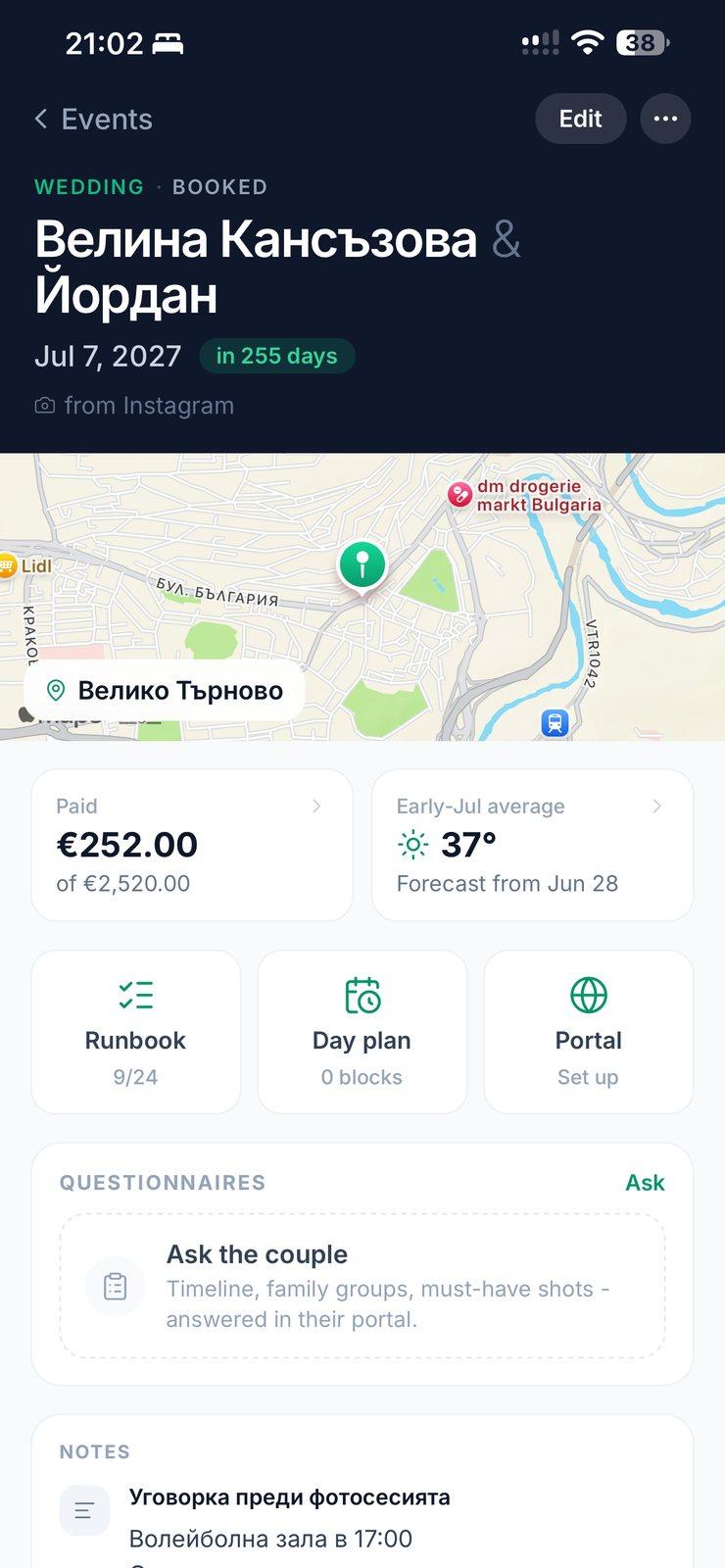
Questionnaires that come back to the wedding they belong to.
Built for weddings, ready for any dated event. Your questionnaires sit beside the quote, the contract, the invoices and the gallery of each wedding, on one calendar.
- Free for 14 days
- $9 a month or $90 a year
- Client portal + 20 GB of galleries
- iOS app in beta
No card required.
Timeline and logistics, answered
What does a wedding timeline questionnaire need to cover?
The couple's draft timeline, whether they plan a first look, the ceremony start time, whether golden hour portraits matter and every location of the day. With those you can draft the run sheet before you meet.
What if the couple has not planned the day yet?
Then the ceremony time and the locations are enough to start. Draft the day around the ceremony, send it back as a proposal, and let the couple and their planner react to something real.
Who builds the wedding day timeline, the photographer or the planner?
Both: the planner owns the day, and you own the photo blocks inside it. This questionnaire gives you your half, and the run sheet you build from it is what you agree with the planner.
How do the timeline answers reach the wedding day?
WeddingRunbook puts them on the event, beside the day plan you build from them. The evening before the wedding, an email reaches you at 18:00 with the forecast, golden hour and that day plan.