
The wedding photography style questionnaire
Four questions on how the couple wants to look in their photos. You deliver the gallery they had in mind.
- No email needed
- 14-day free trial
- No card required
Updated November 19, 2026 · WeddingRunbook templates
Photo Style & Preferences
Capture style preferences, must-have shots, and things to avoid.
Preferred photography style Required
Pick one- Candid
- Editorial
- Classic
- Mixed
Preferred editing tone
Pick one- Light and airy
- True to color
- Moody
- No preference
Details to prioritize
Pick any- Decor
- Stationery
- Dress
- Rings
- Heirlooms
- Guests
Any photos or scenarios you want to avoid?
Paragraph
Copied or downloaded, it is plain text: a * marks each required question.
What each answer does for your day.
Every question here is about expectations. Three give the couple choices to tick, and the last leaves room to write what a tick box cannot hold.
Preferred photography style How you direct
Candid, editorial, classic or a mix: one pick that decides how much you direct. A couple who chooses classic expects tidy, posed groups and will miss them if they are not there.
Preferred editing tone The edit
Light and airy, true to color or moody. Settle the look before the wedding and the finished gallery lands as expected, with no re-edit to argue over.
Details to prioritize Detail shots
The couple ticks what matters to them, from the stationery to a grandmother's ring. Their ticks become your detail list for the morning.
Any photos or scenarios you want to avoid? Shots to skip
Free text and never required, so couples write what they would not say across a table: a pose they dislike, a side of the face they never show, a guest to keep out of frame.
Send it once the booking has settled.
Nothing on it is urgent, and couples tend to enjoy it: a friendly reason to be in touch while the date is still far off. The answers then wait for you until shot planning and the edit.
How to time all six, with or without software- 1At booking Wedding essentials
- 2First weeks after booking Photo style and preferencesThis one
- 32-3 weeks before the session Engagement session
- 44-6 weeks before the wedding Timeline and logistics
- 54-6 weeks before the wedding Family and group photos
- 6First week after the wedding Delivery and album preferences
Paste it into the form tool you already use.
Any form builder will take it, from Google Forms to Jotform or Typeform, or a plain shared document. The table gives each question the field to pick in Google Forms; other tools name them much the same.
| Question | Google Forms field | |
|---|---|---|
| Preferred photography style | Multiple choice Required | Yes |
| Preferred editing tone | Multiple choice | |
| Details to prioritize | Checkboxes | |
| Any photos or scenarios you want to avoid? | Paragraph |
- 1
Copy the questionnaire with the button at its top, or download it as a text file.
- 2
Add one question per line in your form tool, with the field the table names.
- 3
Mark the required ones, so the form cannot be sent back without them.
- 4
Send it at its moment, then save the replies beside the rest of that couple's plans.
Ask it once. Find it answered on the wedding.
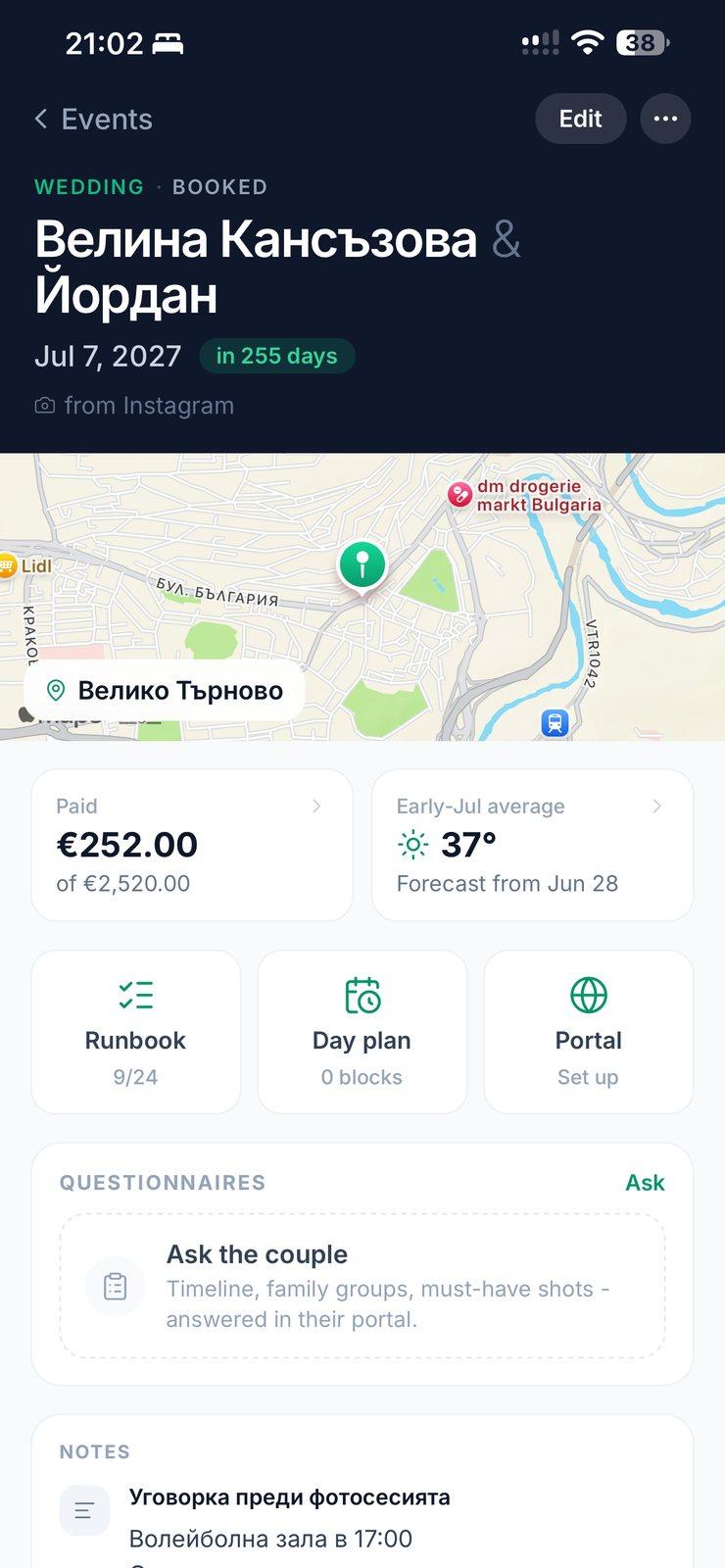
WeddingRunbook already holds all six, word for word. The couple answers on their private portal link, and every reply waits on the wedding when you sit down to plan.
- Six questionnaires in every account, ready to ask
- The couple fills them in on their private link
- You get an email as each one comes back
- Open the replies on your phone (iOS app, beta)
The timeline for our second shooter used to go out the night before, if one of us remembered. Now it goes out two weeks ahead on its own. Three of us, one runbook, the whole season.
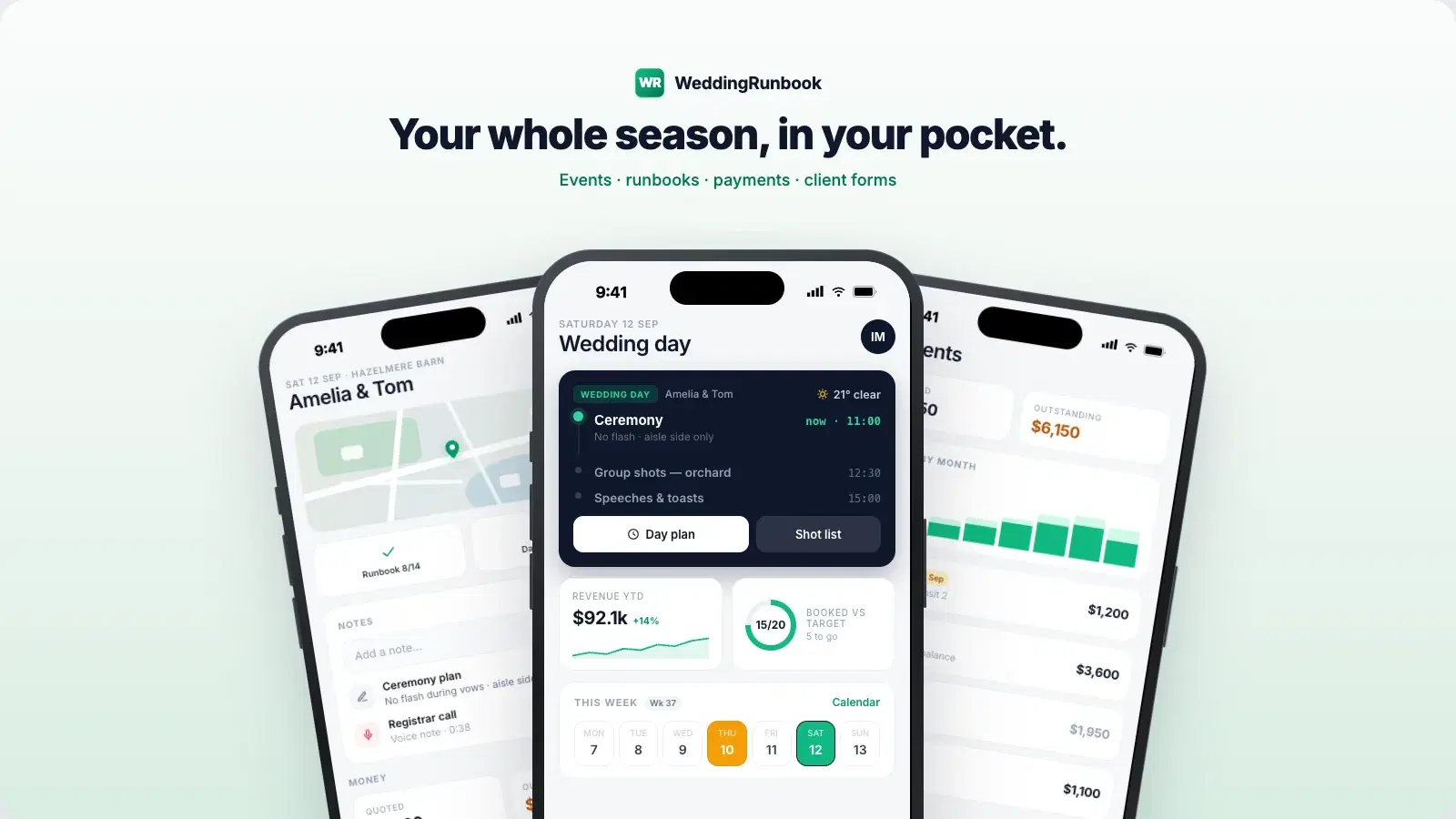
Questionnaires that come back to the wedding they belong to.
Built for weddings, ready for any dated event. Your questionnaires sit beside the quote, the contract, the invoices and the gallery of each wedding, on one calendar.
- Free for 14 days
- $9 a month or $90 a year
- Client portal + 20 GB of galleries
- iOS app in beta
No card required.
Photo style and preferences, answered
How do I ask couples about their photography style?
Four things: the style they want, the editing tone, the details they care about and anything they would rather you did not photograph. Give choices for the first three; the last needs room to write.
Should the style question show example photos?
Yes, if your form tool takes images: one of your own photos under each choice makes "editorial" and "candid" mean the same thing to both of you. Without images, link a gallery of each style in the question.
What if the couple picks a style I do not shoot?
Talk it through before the wedding, not after delivery. Show the nearest work you have and agree what the day will look like; a couple who knows what to expect is happier than one hoping for something else.
Can I see the style answers when I edit?
WeddingRunbook files them on the event, next to the runbook and the day plan, so the editing tone is in front of you when you open the wedding to edit. The couple answers in their portal, and you get an email when they finish.